Livestream App · Why businesses need their own livestream app
Livestream app · white-label · your brand
Why businesses need their own livestream app
Search “livestream app” and you mostly get TikTok, Instagram or YouTube. For a business that is often the wrong tool: viewers stay on someone else’s platform, the shop is not yours, and reach depends on an algorithm. This guide explains what your own livestream app changes.
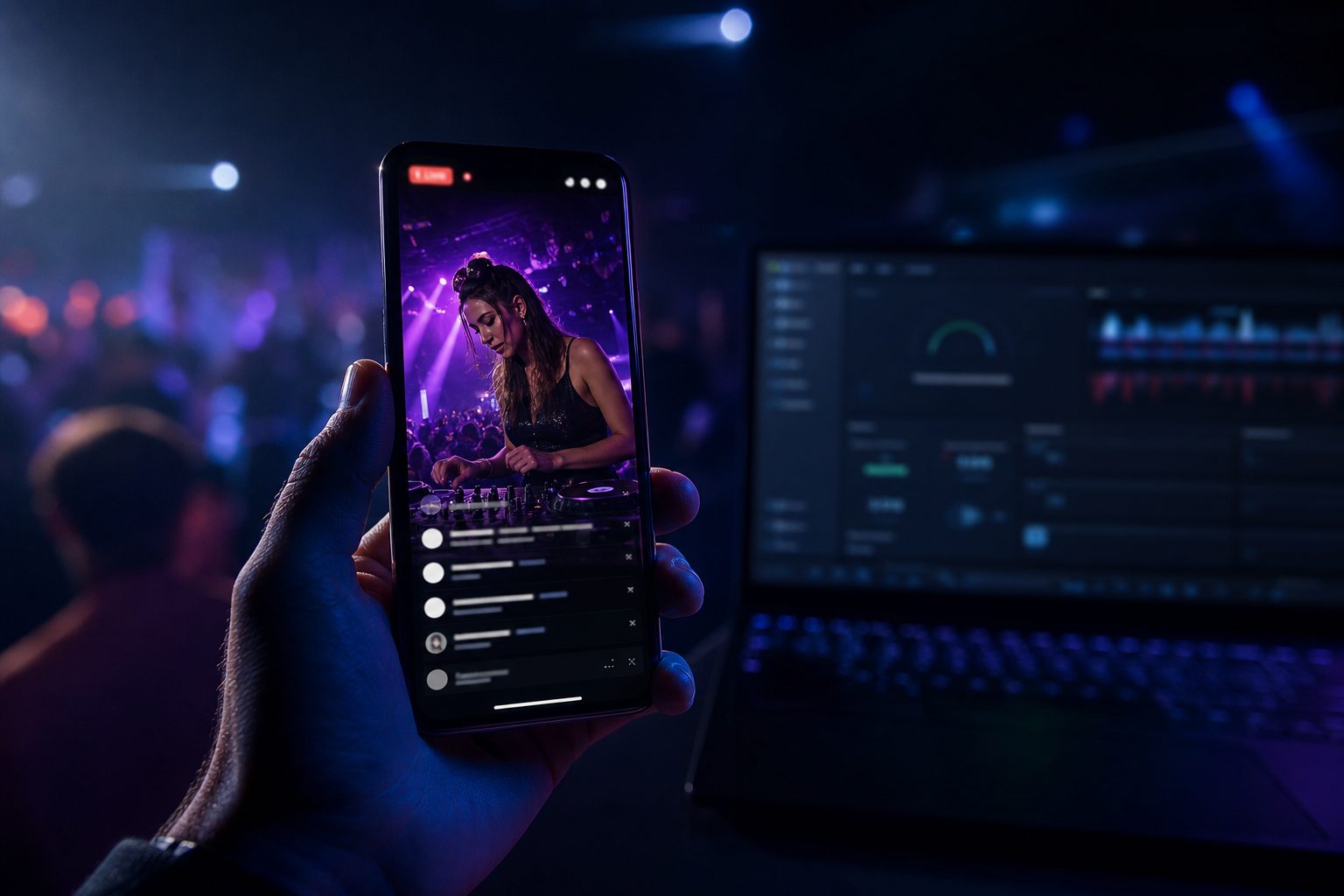
Livestream app under your brand
What a livestream app actually is
A livestream app is more than a “go live” button. Viewers open your app, watch the stream, write in chat and can order in the same moment. You send with OBS or an encoder. The app stays installed – with push when you go live again, and with videos when the stream ends.
Livestream app vs social live
TikTok Live, Instagram Live and YouTube Live are rented features. Accounts, comments and often checkout stay there. Your own livestream app reverses that: domain, users, shop and recordings sit with you. Guests can watch without a extra social login.
Android, iPhone, browser and TV
A real livestream app has to run where viewers already are. Android APK and AAB for Google Play, iOS IPA for the App Store, plus a web app in the browser and playback on TV. One stream, every device.
Stream, chat and shop in one app
The live feed uses RTMP (OBS) and HLS, with optional WebRTC for low delay. Add live chat, gifts, a viewer list and recording. The shop lives in the same livestream app: variants, cart, Stripe on the web, in-app purchases, and push on purchase or new stock.
Who should run their own livestream app
Retailers with regular live selling, creators with a community, and agencies that deliver a white-label livestream app to clients. You need to run the platform yourself (VPS) instead of renting a marketplace every month.
How to start with the livestream app
- Get the trial. Buy the 3-day license for €49 in the shop. You receive a key and download.
- Open the livestream app. Use the web app on the trial URL or install the Android APK. You are admin.
- Go live. Connect OBS or an encoder via RTMP. Viewers only open the livestream app.
- Sell if you want. Add items, show them in the stream, let people order in chat or in the shop.
- Pick a license. If the trial fits: Starter, Professional or Business in the shop.
More questions about a livestream app
Is a livestream app the same as OBS?
No. OBS is the encoder. The livestream app is what viewers open on the phone or in the browser – including chat, videos and shop.
Do viewers have to download the livestream app?
Not necessarily. The same UI runs as a web app in the browser. The download (Android/iOS) is for push and a home-screen icon.
Can I use the livestream app without a shop?
Yes. Chat, videos, gifts and the livestream work without selling. The shop is optional, but built in.
How fast is the livestream app live?
You start the trial instance after purchase. Sending works as soon as OBS is connected – no app-store review for the web trial.